
Treesoft CAD Converter Image Import Module
Add-on module for importing raster graphics for editing/revision in the Elektrocad system
Do you want to digitize and archive existing plans and are looking for a way to make minor changes to the scanned circuit diagrams? Or do you want to import the architectural drawings so you can then draw in the electrical installation? Then this add-on module is exactly what you need.
Using the image import module, you can open images of scanned circuit diagrams or floor plans in the Treesoft CAD Converter—either as individual or batch imports—and scale them to the correct scale. These images can then be converted into a Treesoft ZNG file as a background image (raster graphic). You can then edit them graphically in Treesoft CAD, add symbols, and archive them permanently. This makes reviewing old plans a breeze.
Image Gallery: Treesoft CAD Converter Image Import Module
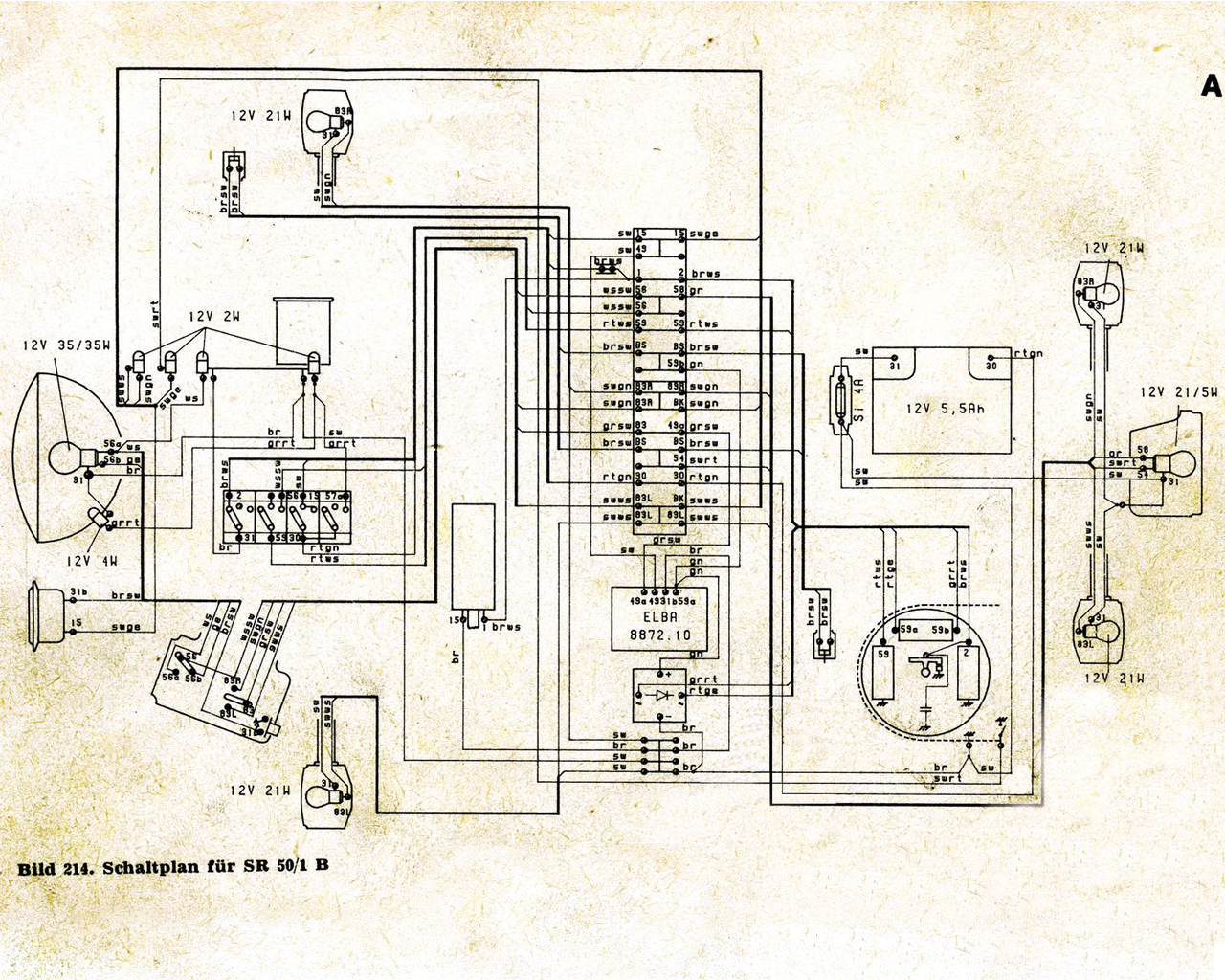
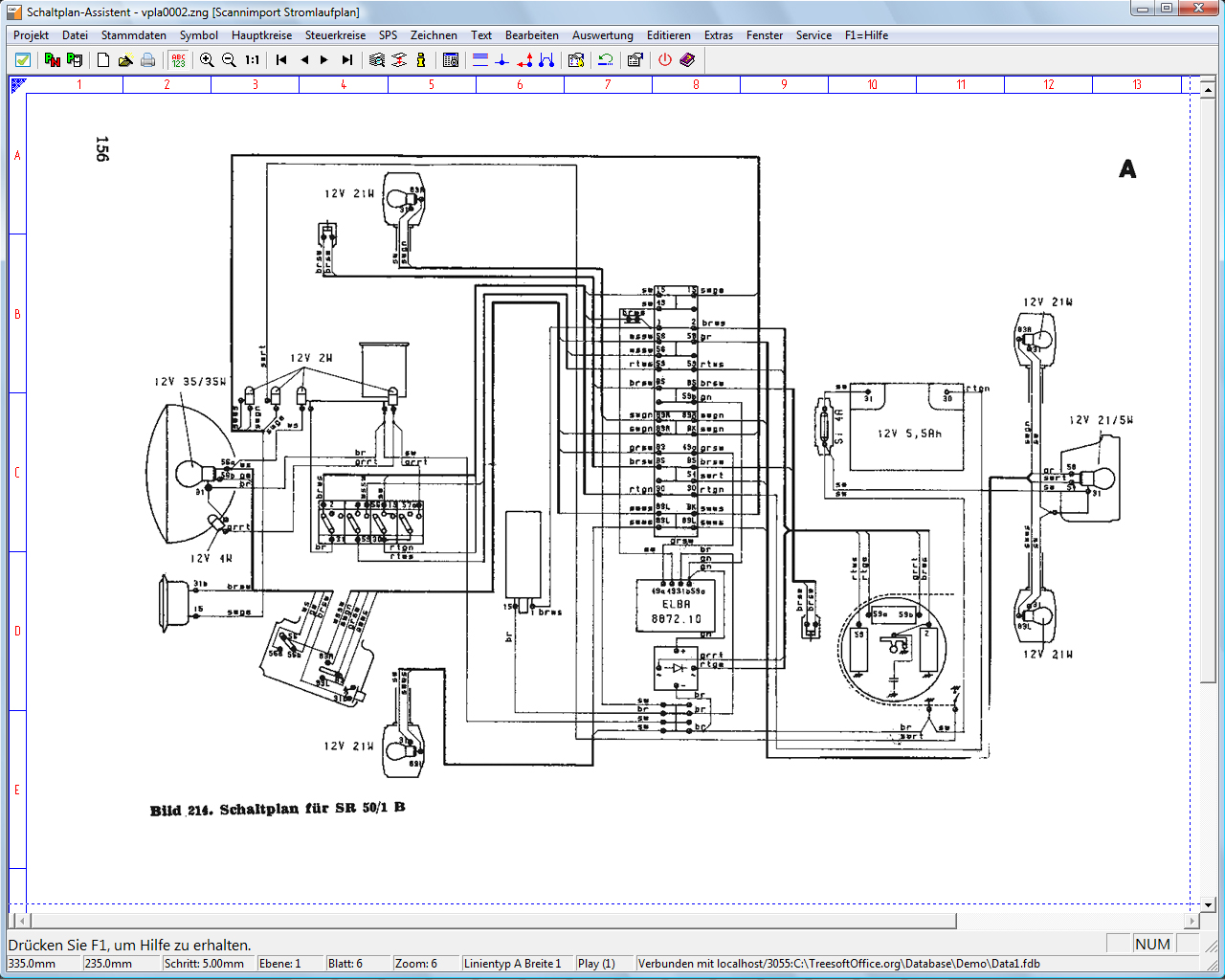
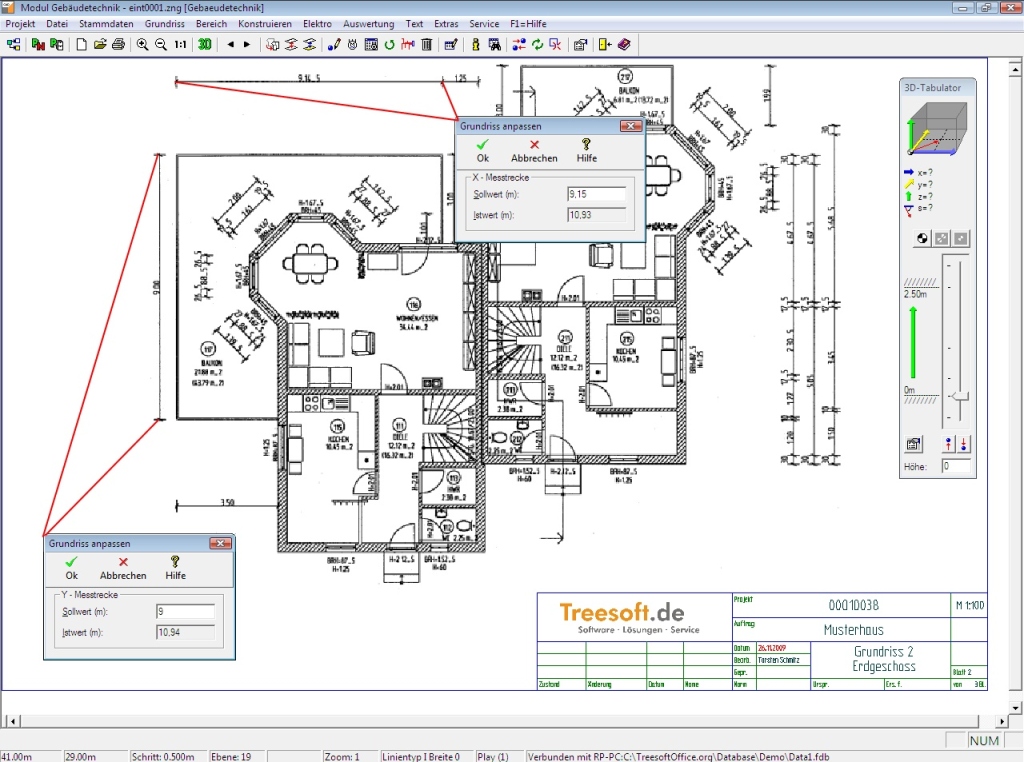
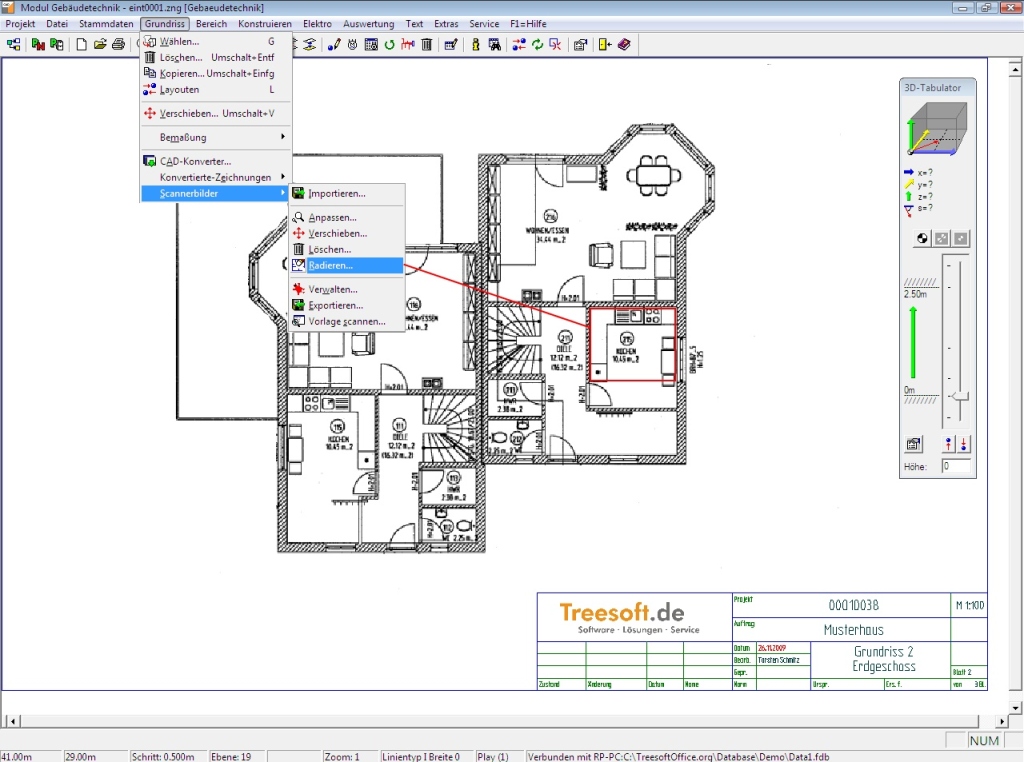
Determine the scale
When you import an image of a floor plan, you must define a reference dimension before editing. Find a dimension in the image that you recognize, use the scaling function, and then click the mouse to position two measurement points.
The following formats are supported:
- JPEG, PNG, MNG, BMP, GIF, ICO, TIFF
Depending on the operating system installed and the plug-ins installed on it, the following formats are also supported:
- svgz (compressed SVG file)
- mng (Multiple-Image Network Graphics)
- pbm (Portable Graymap)
- pgm (Portable Bitmap)
- ppm (Portable Pixmap)
- tga (Targa Image File)
- xbm (X BitMap)
- xpm (X PixMap)
You can see which formats are supported in the “Open File” dialog.
Try Treesoft CAD
for free
Questions?
We're happy to help!
+49 2266 4763-800
sales@treesoft.de


