
What's New in Treesoft CRM 7.2
Table of Contents
The New Text Editor
: Corporate Identity
Variables and Properties
; The New Email Editor
: Mailing Function
The main new features in Treesoft CRM are the redesigned text editor and, based on that, the email, fax, and letter editors. In addition, the mailing function was ported from Delphi to Qt, which is essentially a complete redesign.
The New Text Editor
The text editor is used to edit all templates and address information, to create introductory and closing texts and text modules for Treesoft ERP, as well as to edit memos in the History, Appointment, and Task dialogs and in the E-File. It also serves as the basis for the email, fax, and letter editors.
Based on the new version 29 of the TX Text Control, we have completely redeveloped the text editor in Treesoft Office 7.2 using Qt. Use the menu command Master Data > Texts to open the text editor for editing templates to be used in the email, fax, or letter editors.
Corporate Identity
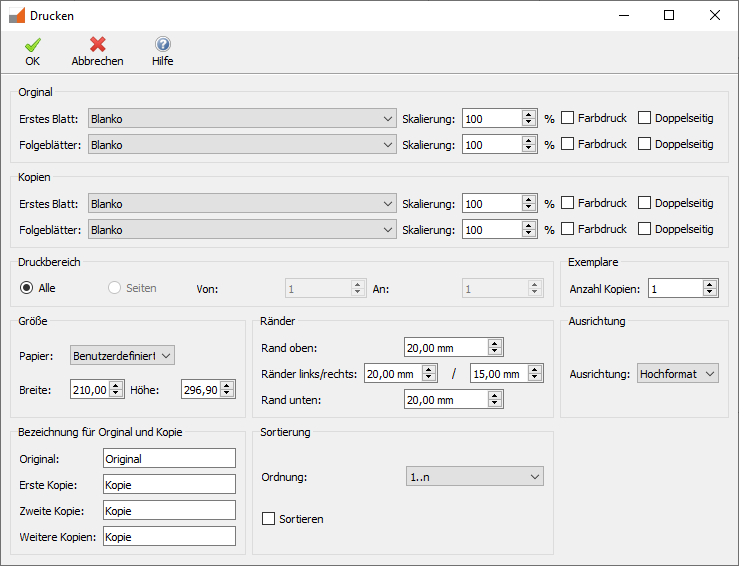
You can customize the templates to suit your needs. In addition, the new text editor now allows you to save printer settings within the text templates. Using the templates created this way ensures a consistent corporate identity.
Variable Properties
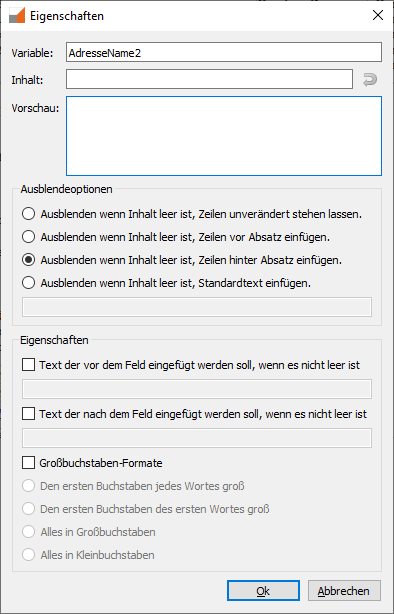
Simply click on a variable to open the Properties dialog box.
Here, for example, you can specify what should happen if the variable is empty. Anyone who has ever created a mail merge in Microsoft Word will love how easy the Treesoft Office Text Editor is to use.
The New Email Editor
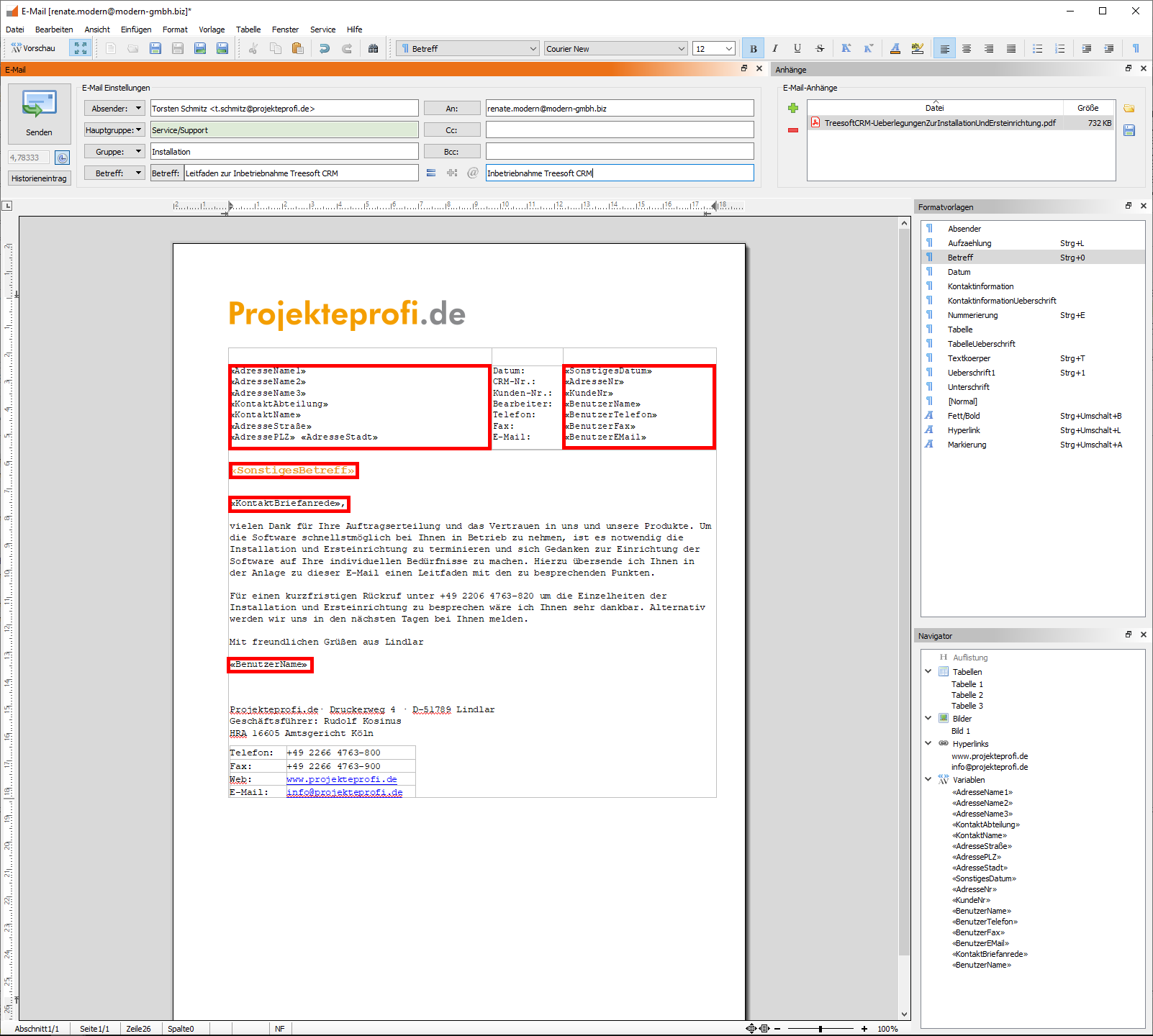
Treesoft CRM works exceptionally well as an email server. All emails and mailings in Treesoft are created using the email editor in Treesoft Office and sent using the built-in mailing function.

You can even use the button to switch to full-screen mode for editing:
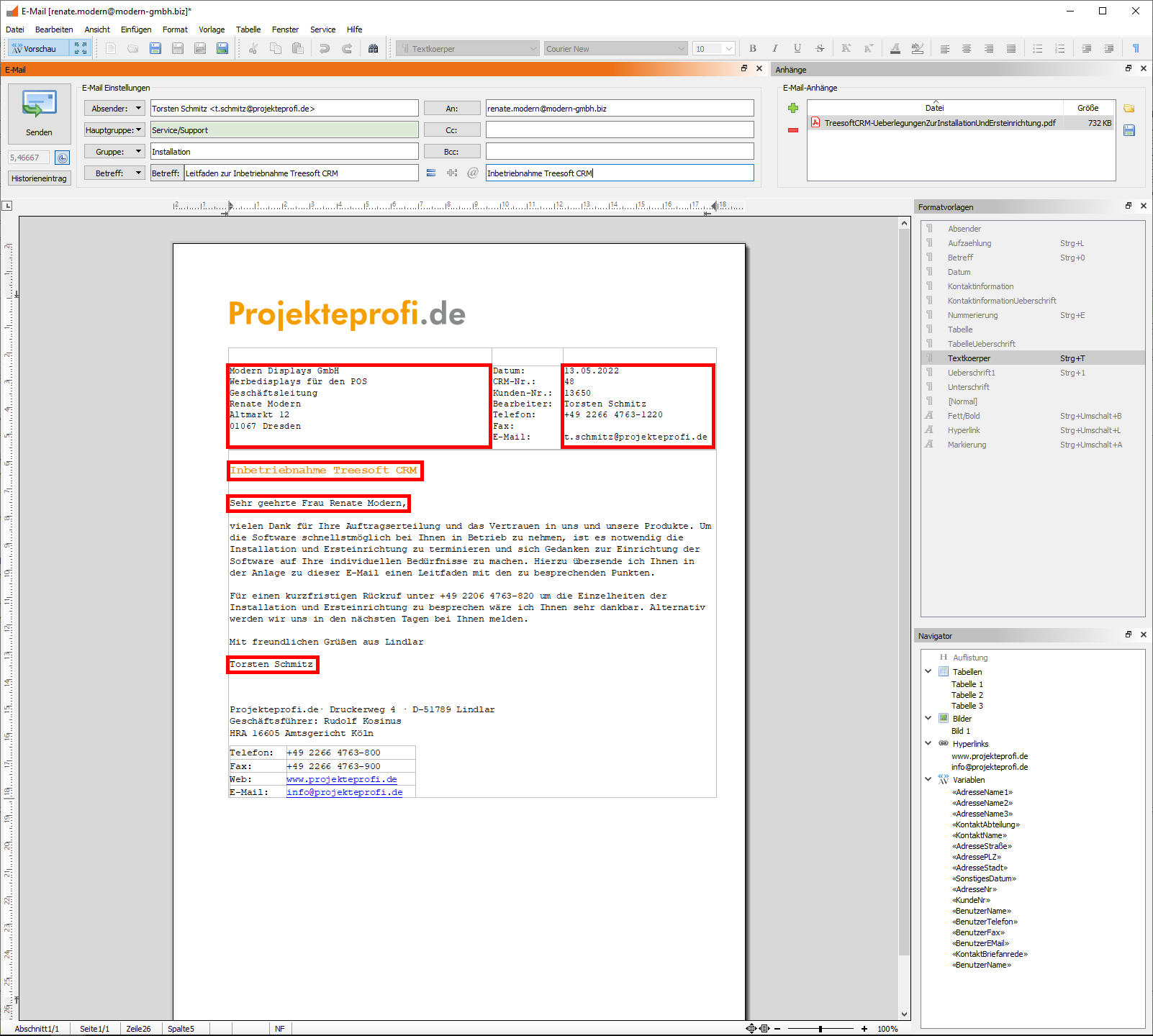
Click the Preview button to enter preview mode. Treesoft Office will then populate the variables with the corresponding content:
Mailing Feature
In Treesoft Office 7.2, the mailing function was ported from Delphi to Qt. The mailing function in Treesoft Office is extremely powerful. Of course, we use Treesoft CRM ourselves, and in addition to computer telephony (CTI), the email editor and the mailing function are the most frequently used features. Here is a brief overview of the mailing function’s capabilities:
- Direct Email
Sending: Click the icon next to an address, apply the default email template, add your text, send it, and you're done—including a log entry and a record of the time spent.
- To send individual emails
, select the mailing configuration from your favorites or via the "Open" dialog box, and add text as needed. Attachments such as terms and conditions or quotes are automatically included. You can also define an entire workflow with automatic follow-up.
- Bulk Email
Sending: Select mailing configuration, filter addresses, send. The emails are sent, and a corresponding history entry is automatically created. The mailings are stored for each address, but the mailing itself is stored only once in the database, which saves a tremendous amount of storage space.
In the Treesoft CRM Upgrade Webinar, we’ll show you everything this software can do, how easy it all is, and how you can use it to optimize your workflows.
Note:
This webinar is open to customers who do not currently use Treesoft CRM but would like to see what it can do, and it’s free for all Software Service Plus package customers and participants in the Treesoft CAD Version 7.2 Upgrade Webinar!
Questions?
We're happy to help!
+49 2266 4763-850
support@treesoft.de


