
Computer-Telephony Integration (CTI) in Treesoft CRM
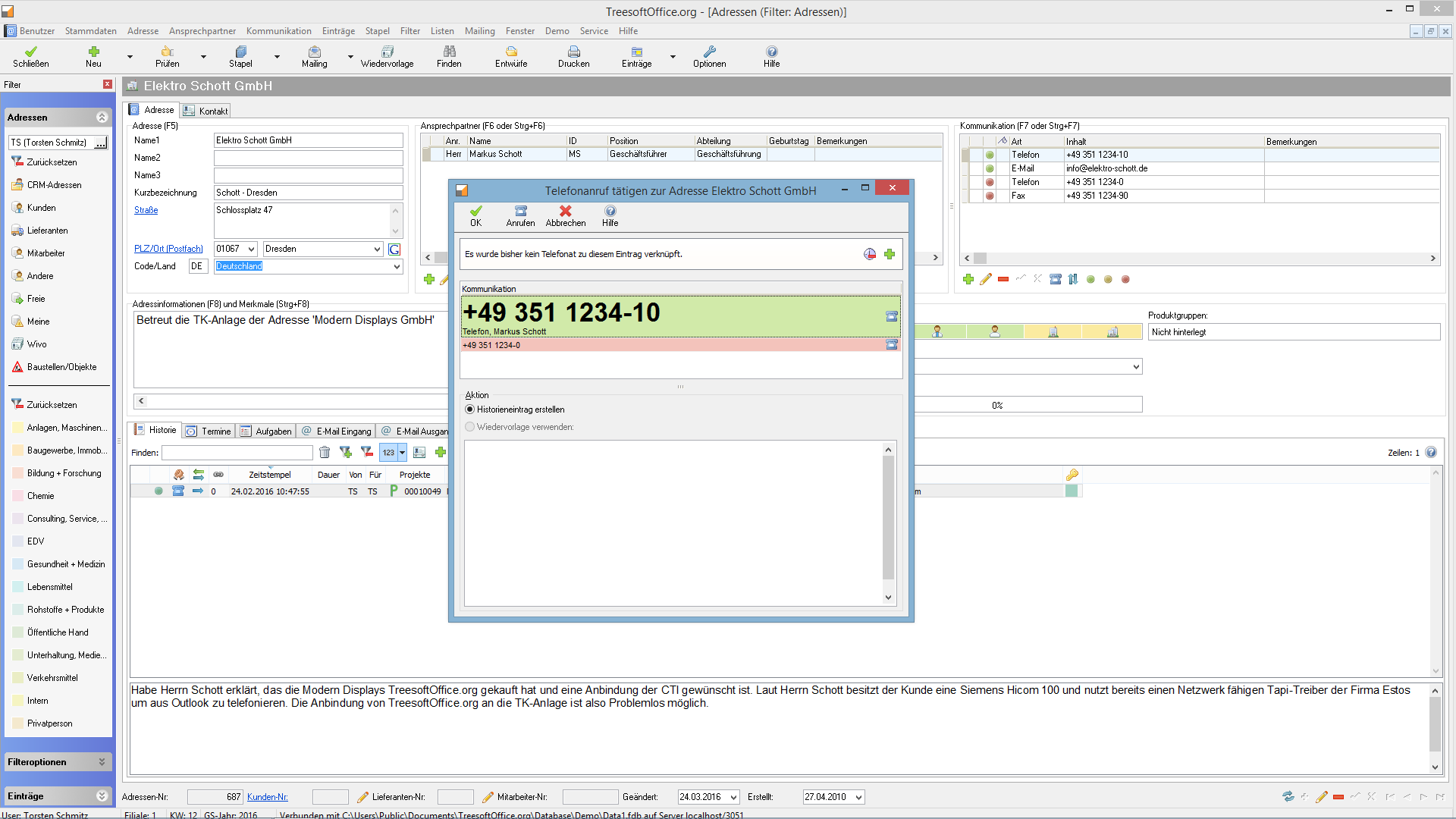
With Treesoft Computer Telephony, you can dial phone numbers directly from the Treesoft Address Book. Incoming calls are indicated by a pop-up, and recognized addresses or contacts can be accessed with a single mouse click. The record you’re currently editing remains unchanged and isn’t scrolled past or closed. The identified address opens in a separate, additional dialog box; after editing it, you can return to your original task.
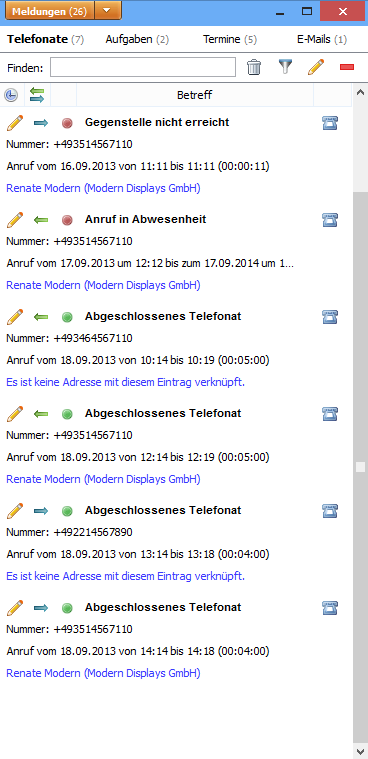
Of course, Treesoft Computer Telephony also notifies you of missed calls and shows you the current status of the call at any time. All calls—whether incoming or outgoing—are logged and can be assigned to entries in the address book. You can generate a comprehensive report on computer telephony to check who made how many calls, with whom, and whether the calls were logged.
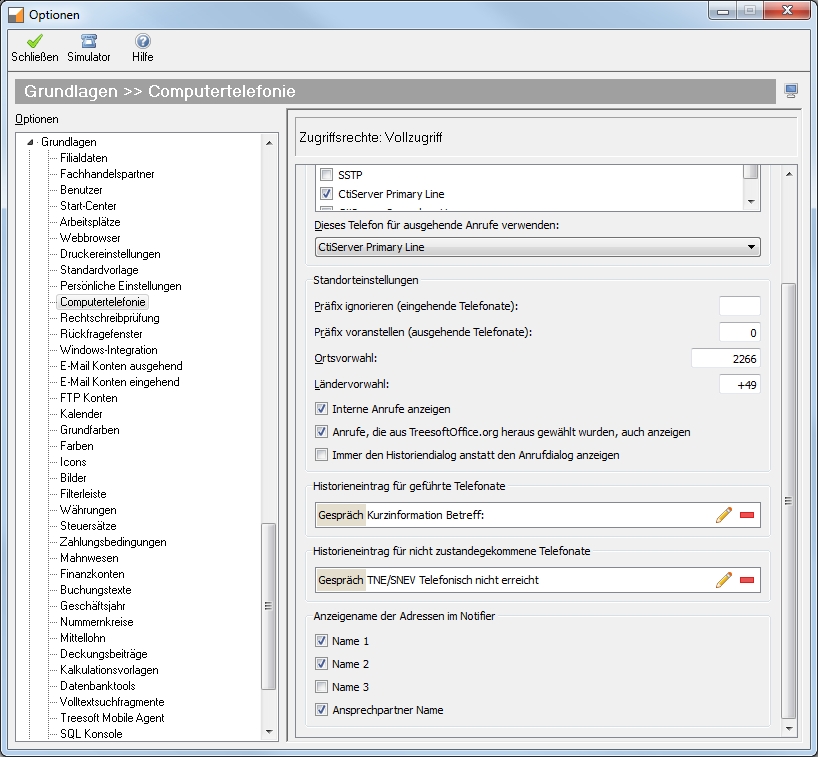
From the address dialog, you can call any contact directly by clicking the phone icon. The CTI interface in Treesoft-CRM works with standard phone systems and IP telephony. The only requirement is a TAPI interface.
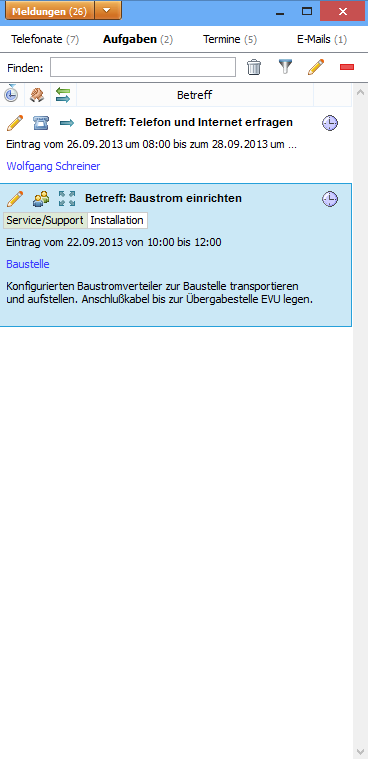
Computer Telephony in Notifier
If you use a CTI-enabled phone system, callers are identified based on your phone number, and you can log the call immediately. The log entry is automatically assigned to the correct address and contact person. If necessary, you can correct the entry—for example, if you were transferred to a different person.
Create a meeting minutes document
Missed a call? Click the phone icon to initiate a callback, and you’ll receive relevant suggestions for logging the call based on any templates associated with the contact, if available. Alternatively, you can create a new history entry and log the call that way.

FAQ on Computer Telephony
Try Treesoft CAD
for free
Questions?
We're happy to help!
+49 2266 4763-800
sales@treesoft.de


