This content was translated by AI and may contain errors.
View in Deutsch
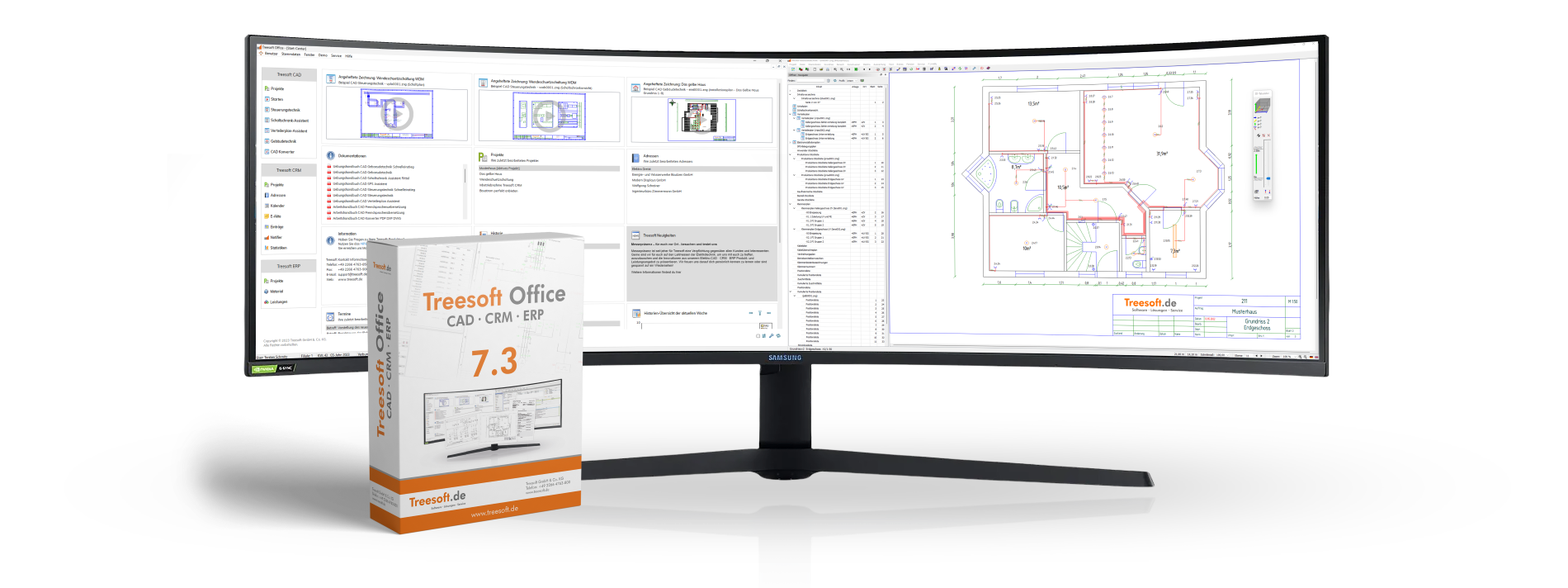
Treesoft Office 7.3 – The Revolution Begins
With the Treesoft Office 7.3 upgrade, we’re shifting into high gear and setting the course for the future with cross-platform performance optimizations in Treesoft CAD · CRM · ERP. A groundbreaking new feature is our circuit board configurator, which takes your workflow to a whole new level and saves you a lot of time and money.
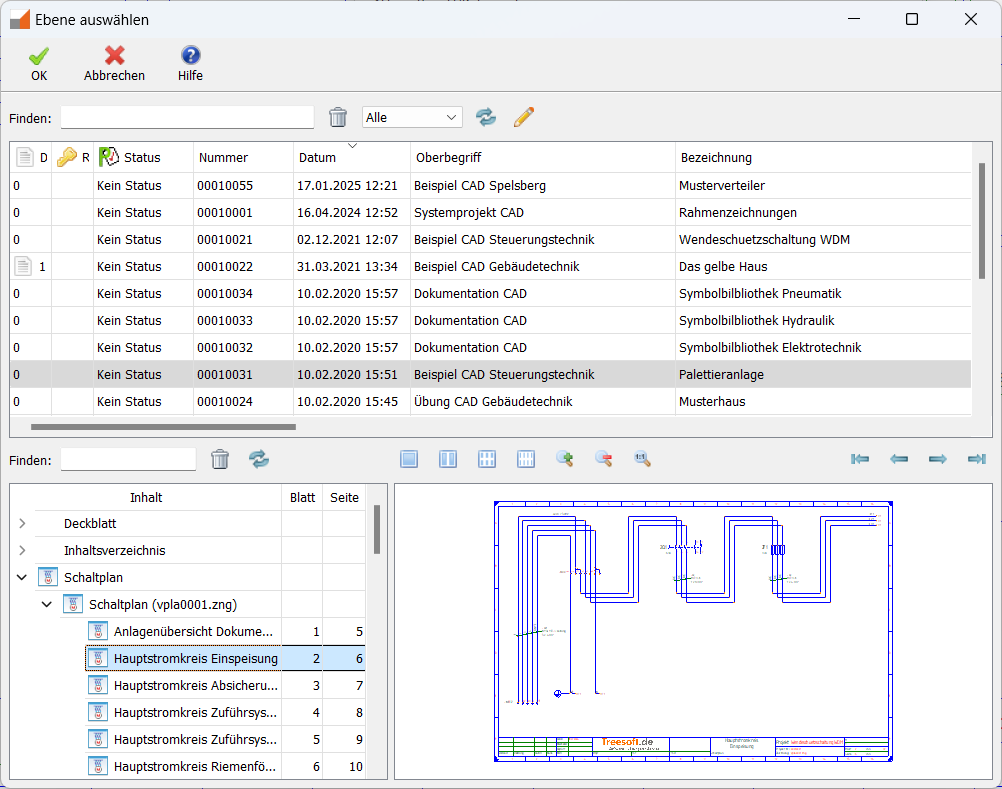
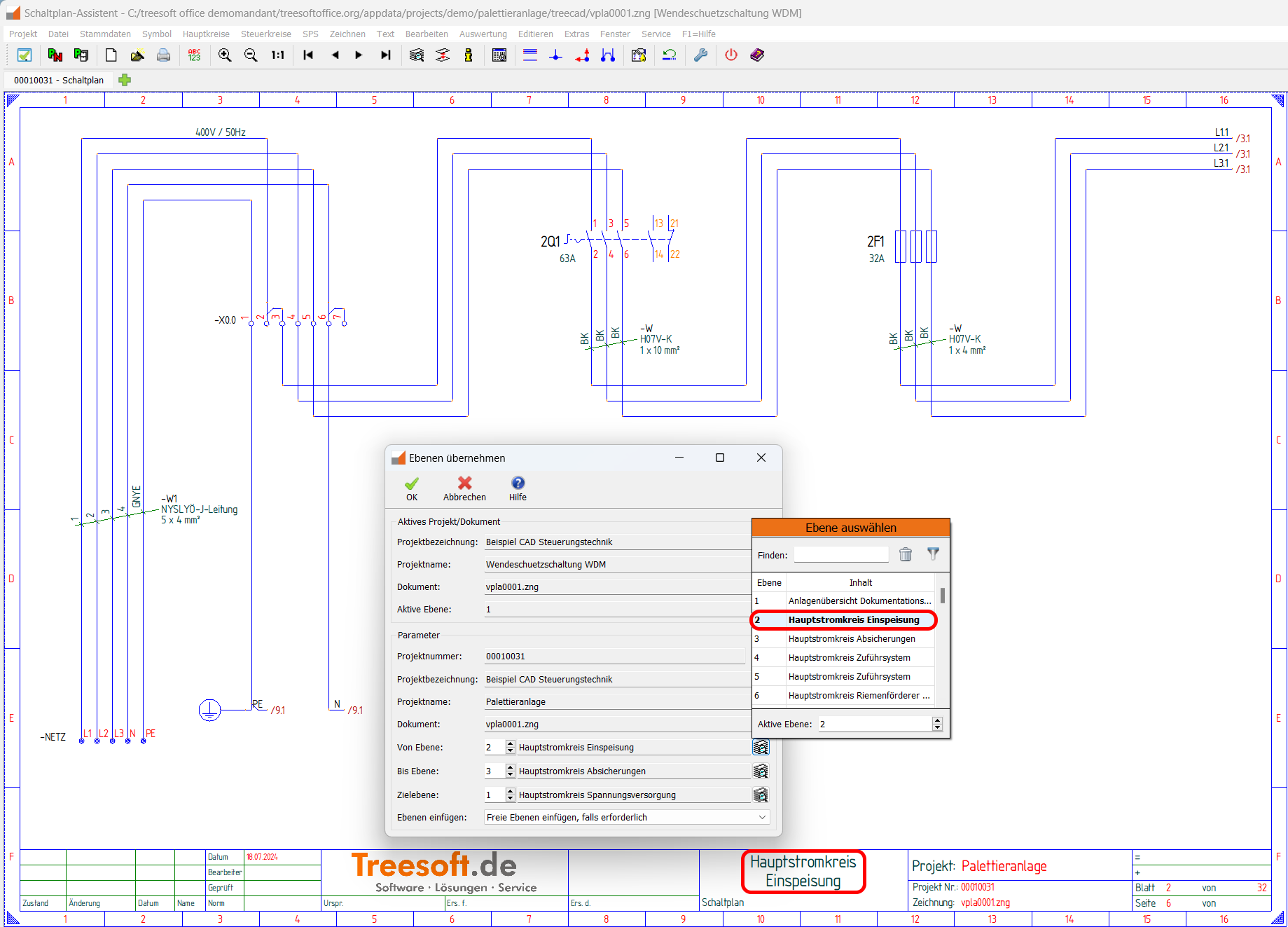
The optional Treesoft CAD Schematic Configurator speeds up the creation of schematics. Using configuration files that include logical links and selection options, you can import any layers from all previously created projects into your drawing file with a single command.
We’ve listened to your feedback and put it into action:
There are three new T-pieces
T-pieces can now be stacked on top of each other
It is possible to complete a wiring connection without changing the contactor symbol
Support for embedded OLE images
The Treesoft CAD Converter now supports so-called “OLE2 FRAME objects” (Object Linking and Embedding 2 Frame). An “OLE2 FRAME” is a type of container used to display OLE objects. These can be, for example, images embedded in a DWG/DXF file. This means you can now use the Treesoft CAD Converter to process DWG/DXF files that contain an embedded image.
Inclusion of all project documents
When converting DWG/DXF drawings using the optional Bidirectional Module, the Treesoft CAD Converter now takes all documents in the project into account. This should prevent any potential problems that might arise later when updating or reverting floor plans when using multiple export configurations across multiple floor plan files.
Automatic Update of the Working Directory After Import
After an import without the optional bidirectional module, the Treesoft CAD Converter now updates the working directory so that subsequent imports take the previously imported drawings into account.
We’re happy to fulfill your request and are now offering service catalogs for Treesoft CAD Building Services. With approximately 6,000 services defined for Treesoft CAD, you can tackle virtually any building services project.
To open the new forecast list, go to the Lists menu and select the Forecast command, or use the keyboard shortcut [CTRL]+[ALT]+[F].
Webinars make it easier for you to get started
Of course, you can use our manual to learn about the new features in the Treesoft Office 7.3 upgrade on your own. We recommend that you participate in a Treesoft upgrade webinar (CAD and/or Treesoft CRM). In our experience, training via a webinar is ultimately better, faster, and therefore more cost-effective. Simply book your spot now in our online store and let us walk you through the new and improved features.
The two-hour webinars cost 150 euros per person, plus VAT, and are held online in small groups.
Of course, you can use our manual to learn about the new features in the Treesoft Office 7.3 upgrade on your own. We recommend that you participate in a Treesoft upgrade webinar (CAD and/or Treesoft CRM). In our experience, training via a webinar is ultimately better, faster, and therefore more cost-effective. Simply book your spot now in our online store and let us walk you through the new and improved features.
The two-hour webinars cost 150 euros per person, plus VAT, and are held online in small groups.